FD 27 Direct Your Football Club FD 27 Controls and Interface
The office is the game. These inputs decide whether the calendar feels like work.
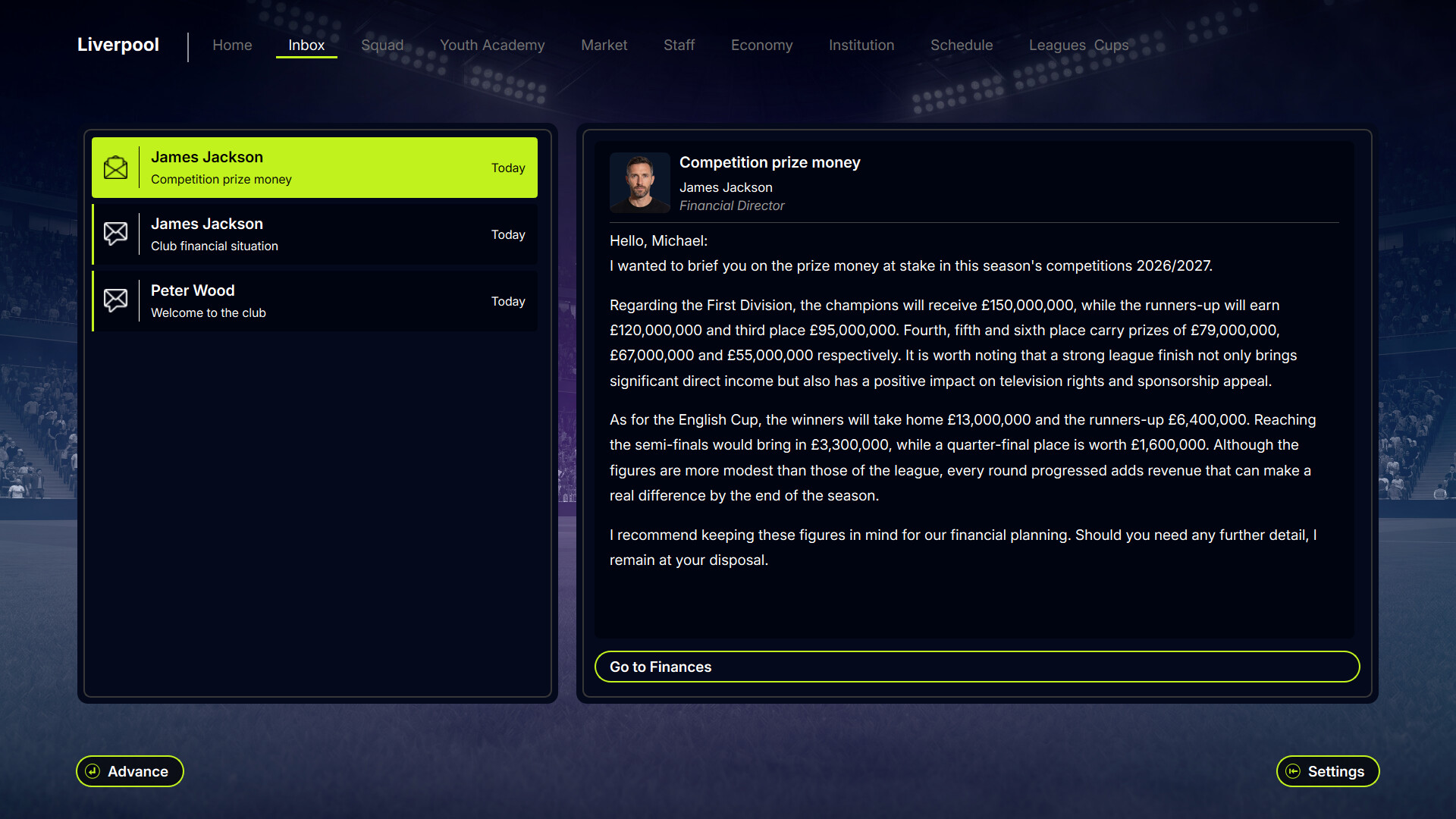
FD 27: Direct Your Football Club is a boardroom sim with full controller support, but the Early Access v0.1 loop is still a lot of tables, contracts and calendars. Community feedback before the August 2026 Early Access build asked for faster days, fewer extra clicks, and keys that match how owners actually hop between departments. This page is the interface layer. Pair it with how to play as owner for the job description and Getting Started for the first save.
Keyboard, hover, and the click you no longer need
A pre-launch update added keyboard shortcuts and changed table behaviour: hovering a table row selects it. You do not click once to highlight and again to open. That sounds trivial until you have spent twenty minutes scanning a 1,500-person staff pool. The same pass let you type on screens without opening a separate controller keyboard overlay, which matters if you bounce between pad and keys.
Steam lists full controller support, adjustable text size, custom volume, adjustable difficulty, playable without timed input, and save anytime. None of that replaces learning which button on the home screen says Advance versus Play Match. After a demo update, matchdays no longer hide behind a generic Advance label. If a fixture is due, the main action is Play Match so you stop skipping Saturdays by accident. That is a control issue as much as a UI issue.
Calendar, sim speeds, and patience
You can simulate whole days from the calendar. Match playback can run at normal, x2 or x4. Use the faster speeds without guilt: the engine still rolls fatigue, morale, knocks and three substitution windows. The game does not score you for watching every tackle. It scores you for the medical hire you made in August. If days still crawl, read patch notes — day processing was rewritten after players said simming a single day felt sticky, with a claimed large speed gain on the demo path that carried into v0.1.
Loading already-created saves was also cut down by faster database reads. If your machine is the bottleneck rather than the sim, check system requirements. Minimum is Windows 10, an i3 sixth-gen or Ryzen 3, 8 GB RAM, HD Graphics 4000 or GT 730, and 10 GB. Recommended is Windows 11, an i5 eighth-gen or Ryzen 5 2600, 16 GB, GTX 1050 or RX 560, and 15 GB on SSD.
Setup toggles that are real systems
At new-game setup you can disable tutorials, choose responsibilities, and set autosave. Those responsibilities are applied inside the save, not stored as flavour. If you tick boxes without reading, a department will later feel mute and you will blame a bug. The extra info window added before v0.1 exists because people were ticking blind. Treat it like a contract with yourself.
Difficulty and mode change which clubs you can buy. Experience mode is free-form on acquisition. Campaign mode removes the purchase budget. Details belong on how to pick a club, but they start as control choices: you are choosing the size of the sandbox before you ever open a spreadsheet.
Three save slots: one live, two dated from the previous month. Use them before a shirt deal or a star wage, not after. There is no rewind for a contract you already signed.
Screens that used to fight you
Incoming bids now open a full negotiation panel instead of accept/reject. Facility completion fires a notification so you stop staring at the calendar. When every sponsor slot is filled you get a dedicated message. Coaching staff refreshes after a mutual termination, and an interim appears so you can hire a replacement. Several of those were bugs first, controls second. If a button still does nothing — transfer offer arrows, match video with sound but no picture — check patch notes and Steam discussions before assuming you missed a hotkey.
The office is dense on purpose. Shortcuts, hover-select, Play Match, sim speeds and honest save slots are how the density stays playable. Learn them once, then spend the hour on staff and finances instead of fighting the mouse.
Frequently Asked Questions
Quick answers for the boardroom questions owners actually search.
Does FD 27 support a controller?
Yes. Steam lists full controller support. You can still use keyboard shortcuts and type on screens without the overlay keyboard.
How do I speed up matches?
Set match speed to normal, x2 or x4. You can also simulate entire days from the calendar. See match day.
Why did I skip a match?
Older builds labelled the main button Advance even on matchdays. Later builds switch it to Play Match when a fixture is due.
Where are save slots?
Three slots: one current game and two monthly copies. Use them before reckless contracts.